
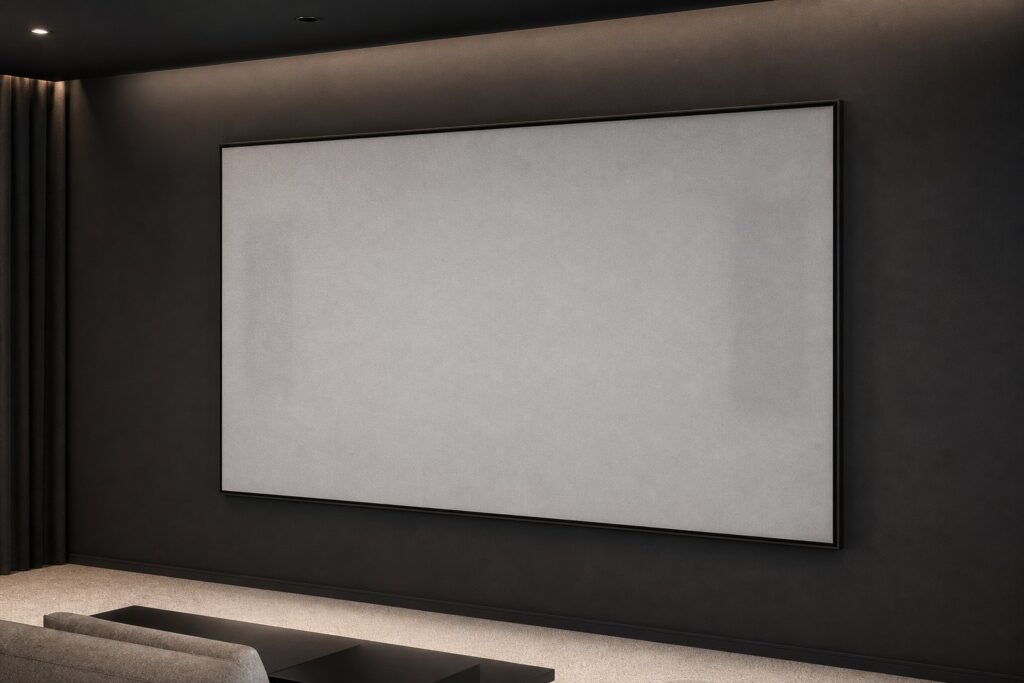
In a commercial cinema the dialogue comes from exactly where it should: the middle of the picture. That is not clever processing — the loudspeakers stand behind the screen and the sound passes straight through it. Acoustically transparent screens bring that idea home, changing both picture and soundstage at once.
They are also easy to get wrong. Perforation, moiré, a little lost treble and a wall that suddenly needs 40 cm more depth all deserve thought before you order. Here is what actually matters.
What “acoustically transparent” really means
An acoustically transparent screen is a projection surface with thousands of tiny openings, so sound can pass through it with as little loss and colouration as possible. You place the left, centre and right speakers behind the screen; the audience hears them, but never sees them.
The reason goes beyond tidiness. Film soundtracks are mixed on stages where the screen channels sit behind the picture, near the seated audience’s ear height. If your centre speaker lives on a shelf below the screen, dialogue arrives from below the actors’ mouths. Move it behind the fabric and voices lock onto faces, front-stage panning becomes seamless, and all three screen channels share the same tonal character.
Perforated vinyl vs. woven fabric
There are two ways to make a screen let sound through, and they behave differently.
Perforated (micro-perf) vinyl is a normal PVC screen surface with holes punched through it in a regular grid. Because the surface between the holes is unchanged, it keeps the optical behaviour of a solid screen — good uniformity, predictable colour. The grid is also its weakness: a regular hole pattern meeting a projector’s regular pixel grid is the classic recipe for moiré.
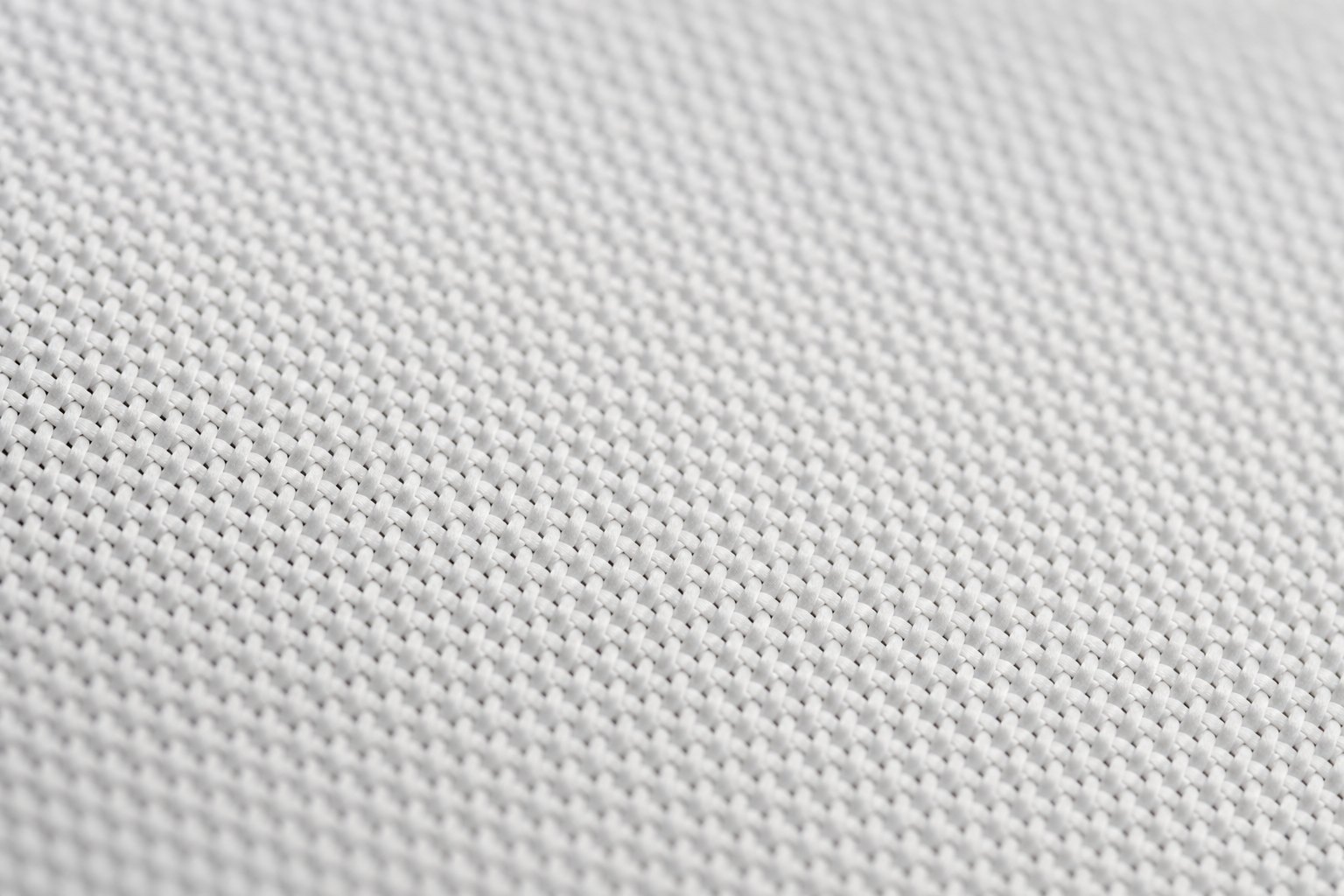
Woven fabric is a textile — typically polyester or nylon — where sound passes through the gaps between the threads rather than through punched holes. Weaves are usually more forgiving at close seating distances and generally more benign acoustically, but they can show a faint texture, tend to sit at slightly lower gain, and a very open weave lets projector light through to the wall behind (which is why a black backing layer is often used). Elite Screens’ AcousticPro material family takes the woven route: the AcousticPro 1080P3 is specified by the manufacturer as an acoustically transparent matte white material with an angular tight weave that eliminates the moiré effect, a gain of 1.0 and a mean acoustic attenuation of −3.09 dB — exactly the trade-off you want if you sit reasonably close.
| Aspect | Perforated vinyl | Woven fabric |
|---|---|---|
| How sound passes | Punched holes in a regular grid | Gaps between woven threads |
| Moiré risk | Higher — regular pattern vs. pixel grid | Lower — irregular structure |
| Minimum seating distance | Longer; finer perforation helps | Usually shorter |
| Visible texture | Holes visible up close | Fine weave visible up close |
| Light through the surface | Minimal | Some; black backing usually needed |
| Typical high-frequency behaviour | Roll-off in the top octaves, pattern-dependent | Generally gentle, mostly EQ-correctable |
Moiré: why it happens and how to avoid it
Moiré is an interference pattern — a shimmering wave or grid that appears when two regular patterns overlap slightly out of alignment. On an acoustically transparent screen, the two patterns are the projector’s pixel structure and the screen’s hole or weave structure. When their spacing is similar, you see a faint plaid or ripple that moves as the image changes. Once you notice it, you cannot un-notice it.
Four practical defences:
- Choose the right material for the room. Fine (micro or mini) perforation patterns and irregular weaves are far less prone to moiré than coarse patterns.
- Respect the minimum viewing distance. Every acoustically transparent material has one. If your front row sits closer than roughly 3 to 4.5 metres from the screen, favour a fine weave and confirm the manufacturer’s distance guidance for your exact size.
- Keep the projector square and well focused. Perfect focus makes pixel edges crisper — which can actually increase moiré visibility, while a slight defocus hides it. That is a trade you make consciously, not by accident.
- Test before you commit. This is the single best piece of advice in this article. A DIN A4 material sample held in front of your own projector, in your own room, at your own seating distance answers the question in five minutes. Comparable materials from any brand can be tested the same way.
4K projectors have made moiré less common than in the 1080p era, because tighter pixel spacing is less likely to beat against modern patterns — but “less common” is not “impossible”. Always sample.
High-frequency loss and how to compensate for it
Sound does not pass through a screen entirely for free. The openings behave like an acoustic obstacle course, and the effect is frequency-dependent: bass and midrange sail through essentially untouched, while the top octaves — where wavelengths shrink to a few centimetres — lose some energy. Published measurements for good modern materials show losses in the region of roughly one to a few decibels in the treble, rising towards 20 kHz, with the exact figure depending heavily on the material. Elite Screens, for example, publishes a mean attenuation of −3.09 dB for AcousticPro 1080P3 and −2.96 dB for its CineWhite Acoustic Pro 8K weave.
Two important nuances:
- Smooth loss is correctable; ragged loss is not. A gentle, broad roll-off is easy to dial back in with EQ or your room-correction system. Narrow dips, comb filtering or phase anomalies caused by reflections between the speaker and the screen are much harder to fix.
- The fix belongs after the screen is up. Measure and calibrate with the screen in place, not before. Any competent room-correction routine (Audyssey, Dirac, ARC, YPAO and friends) run from the seating positions will capture the screen’s contribution automatically. If you calibrate manually, a modest shelving lift above roughly 8 kHz on the three screen channels is the usual remedy.
Practical tips that cost nothing: aim tweeters straight at the listening position rather than firing along the screen surface, avoid parking a speaker so close that its baffle almost touches the fabric (a few centimetres of clearance reduces reflections between baffle and screen), and keep the space behind the screen from becoming a hard, reflective cavity. Lining the wall behind and around the speakers with absorption is a cheap, high-value step.
Room and wall depth planning
This is where projects fail. An acoustically transparent screen is not just a surface choice — it is an architectural one, because the speakers now need to live inside the wall plane.
Work through this before ordering:
- Depth. Add up speaker depth, a few centimetres of clearance to the fabric, cable slack and access room for adjustment. For typical tower or large bookshelf speakers, a false wall or alcove of roughly 40 to 60 cm depth is a realistic starting point. Slim in-wall LCR speakers can shrink this dramatically.
- Height. The acoustic centre of the three screen channels should sit close to seated ear height, ideally within the lower half of the picture. Building a false wall lets you get this right; a shelf usually does not.
- Width. Left and right should sit at or just inside the screen edges so the soundstage matches the image width. A wide 21:9 screen makes this easier than a small 16:9 one.
- Frame type. Acoustically transparent materials belong on a rigid, tensioned surface. A fixed-frame screen such as the ezFrame keeps the fabric perfectly flat, which matters both optically and for consistent clearance to the speakers behind it. If you were still weighing frame styles, our comparison of fixed frame versus motorised screens is worth a read — behind-the-screen speakers push the decision firmly towards fixed.
- Light control. Almost all acoustically transparent materials are neutral white or light grey with modest gain. They are designed for a dark, dedicated room. Getting the size right first pays off, so check our guide on screen size and seating distance before you frame the wall.
When it makes sense — and when it does not
Say yes if you have a dedicated, light-controlled room, can build a false wall or alcove, want the largest picture without a centre speaker eating into it, and your seating distance suits the sampled material.
Say no — or at least think twice — in a bright multi-purpose living room, because ambient-light-rejecting surfaces are a different technology and the two goals rarely combine. Say no if you sit very close to a modest-sized screen, if you cannot give up the wall depth, if you are running a stereo or soundbar-based system where there is no discrete centre channel to hide, or if your projector is short on light output: a slightly lower-gain surface plus a dark room is a demanding combination. Our overview of choosing screen gain explains why that matters.
Ultra-short-throw owners are a special case. UST projectors sit on a cabinet directly below the screen and rely on ceiling-light-rejecting (CLR) surfaces whose micro-structured layers are, by design, not acoustically transparent — and the cabinet is in the way anyway. If you want speakers behind the picture, plan a standard-throw or long-throw projector. Our comparison of ALR, CLR and white screens maps out which surface belongs to which projector type.
Conclusion
Acoustically transparent screens solve a real problem: they put dialogue where the picture is, unify the front soundstage and free the full wall width for image. The price is planning — depth behind the screen, a sampled material, and a calibration pass with the screen in place.
Get those right and the result feels less like a home setup and more like a small cinema. The difference is an afternoon of measuring and one sample swatch.
Transparency: Home Cinema Hub is operated by Elite Screens Europe. Products from Elite Screens are mentioned where they genuinely fit the topic; the technical advice above applies to any brand.
Images in this article were created with AI for illustrative purposes.